PraneoTech
Excel Didn't Fail Your Business. Your Business Outgrew It.
The spreadsheet didn't suddenly become bad. The business simply started asking it to do a job it was never designed to handle.
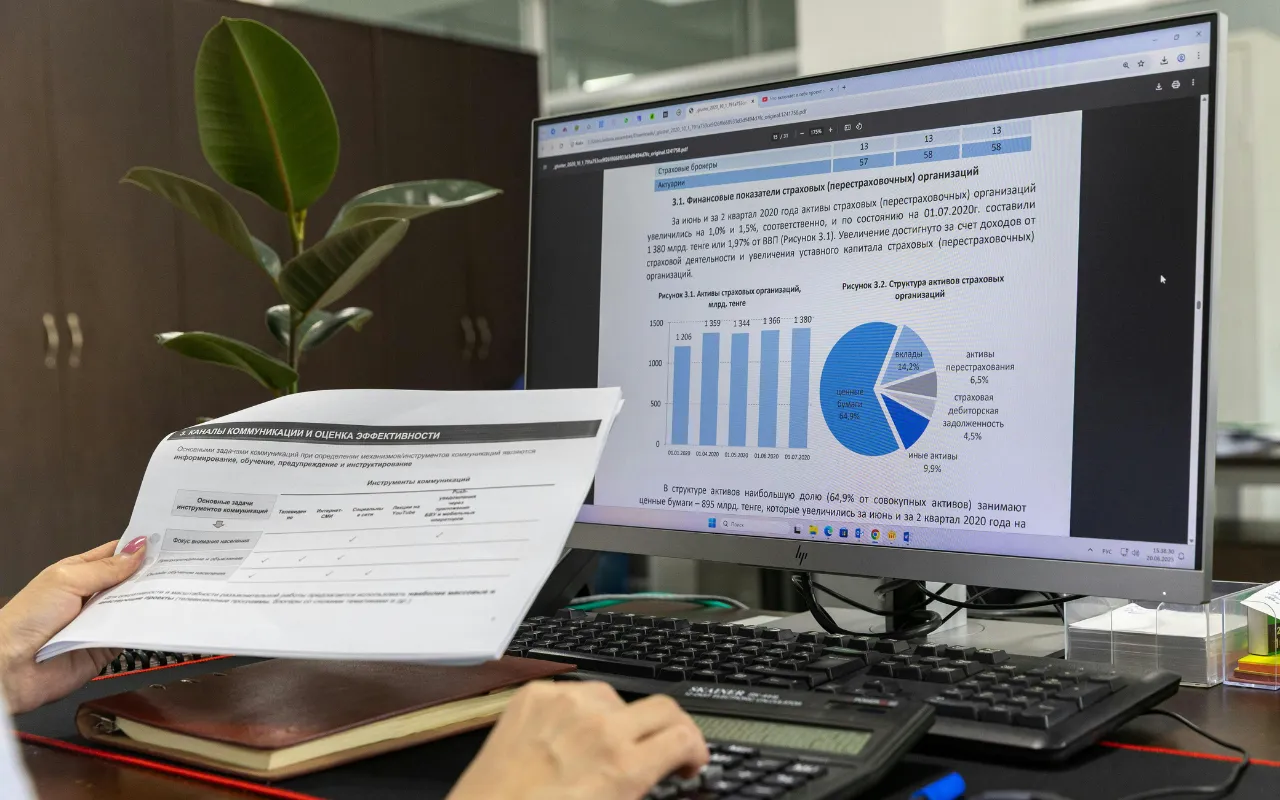
You know that spreadsheet everyone in the business relies on? The one with dozens of tabs, formulas nobody wants to touch, and a filename that ends in FINAL_v3_ACTUAL_FINAL.xlsx?
It probably started as a sensible solution to a simple problem. Someone needed to track customers, manage expenses, or prepare a weekly report. Excel was available, familiar, and good enough. There was no reason to build anything more complicated.
Then the business grew.
More customers meant more rows. More employees meant more people editing the same information. Management needed new reports, so someone added another tab. Eventually, a simple spreadsheet became the place where half the business kept its memory.
And now, changing one number means checking three other files, messaging a colleague, and hoping nobody is working from an outdated copy.
The spreadsheet didn't suddenly become bad. The business simply started asking it to do a job it was never designed to handle.
The Real Cost of “It's Working Fine”
The tricky part is that these systems rarely fail all at once. They become inconvenient one small workaround at a time.
An employee copies customer information from one file into another. A manager waits until Friday for someone to combine the week's numbers. Two departments report different figures because they updated their records at different times.
Nobody considers these incidents serious enough to justify changing the system. Everyone works around them, and the business keeps moving.
But workarounds have a cost. They consume time, make errors harder to spot, and leave important processes dependent on people remembering every step. When the person who understands the spreadsheet is on leave, even a routine task can become unexpectedly difficult.
The cost isn't always visible on an invoice. It shows up in delayed decisions, repeated work, frustrated employees, and time that could have been spent serving customers.
At some point, the question changes from “Can we keep using this spreadsheet?” to “How much effort are we spending just to keep it usable?”
When Growth Exposes the Problem
Imagine a service business that tracks customer requests in a spreadsheet. In the beginning, one person can manage the list comfortably. They know which requests are urgent, who is handling each one, and which customers need a follow-up. As the business grows, several employees start handling requests. Management wants a clearer picture of outstanding work, and customers expect quicker updates.
Suddenly, the spreadsheet depends on a chain of small actions. Employees must update statuses correctly, communicate changes, and make sure everyone is looking at the latest information. A missed update can leave someone following up on a completed task while another request goes unnoticed.
The obvious reaction might be to hire another employee or buy a project-management tool. Either could help, but neither necessarily addresses the underlying issue.
First, the business needs to understand where the process is breaking down. Is information being entered more than once? Are responsibilities unclear? Do existing tools lack an essential feature, or are they simply disconnected?
That distinction can save a business from spending money on a new system that reproduces the same old problems.
Five Signs It's Time to Rethink Your Spreadsheets
A spreadsheet isn't a problem just because it's large or complicated. It's worth investigating when it starts getting in the way of the work.
The same information exists in several places. Customer details, payment records, and operational updates need to be reconciled manually.
Reporting depends on one person. Nobody else is confident enough to update the formulas or explain where the figures came from.
People question which numbers are correct. Different versions or delayed updates make it difficult to trust the information.
Every new requirement creates another workaround. A new tab, formula, or separate file becomes the default response to every change.
More business means disproportionately more administration. Serving additional customers creates more manual coordination instead of simply increasing productive work.
One of these signs doesn't automatically mean you need new software. But when several appear together, it's worth looking beyond the spreadsheet and examining the process it supports.
You Don't Always Need to Build Something New
This is where businesses can make an expensive mistake: assuming that a frustrating spreadsheet must be replaced with custom software.
Sometimes, a better template, clearer responsibilities, or controlled access is enough. If the underlying process is straightforward, improving the spreadsheet may be the most sensible option.
Other times, an existing business application can handle the work more reliably. If your team already uses separate tools for customer management, accounting, and operations, connecting those systems may remove duplicate data entry without requiring a complete replacement.
Custom software makes more sense when your workflow has specific requirements that available products cannot reasonably support, or when the business is spending too much time adapting its operations to fit the limitations of its tools.
The decision should come down to the problem, the cost of maintaining the current process, and the value of improving it—not how impressive a new application might look.
Before choosing a solution, ask three questions:
What is actually slowing us down? Identify the repeated task, bottleneck, or source of errors rather than starting with a list of desired features.
Can our existing tools solve it? Look at configuration, process improvements, and integrations before assuming everything needs to be rebuilt.
Will the change be worth maintaining? Consider implementation costs, staff training, ongoing support, access controls, and what the business will need as it grows.
These questions help turn a vague feeling that “we need better software” into a decision the business can evaluate.
Build Around the Business, Not the Other Way Around
Good technology should fit the way a business needs to operate. That doesn't mean every existing habit should be preserved, or that every process deserves automation. Sometimes, the best improvement is removing an unnecessary step altogether.
The aim is to give employees reliable information, make responsibilities clearer, and reduce the amount of manual effort required to keep things moving. That might mean improving an existing tool, connecting separate systems, or developing a purpose-built solution.
This is the approach behind practical technology planning: understand the business first, then decide what technology can genuinely improve.
At PraneoTech, that means looking beyond the request for a new application to understand the workflow, the people using it, and the problem the business needs to solve. The right answer might be custom development, an integration, or a much simpler change.
The important thing is that the technology serves a clear purpose.
The Best Upgrade Might Not Be Replacing Excel
Spreadsheets are not a sign that your business is behind. They are often evidence that someone found a resourceful way to solve a problem with the tools available.
The question is whether that solution still makes sense today.
If your team spends more time maintaining information than using it, if routine decisions depend on someone manually assembling reports, or if growth keeps adding administrative work, the opportunity may be bigger than replacing a file.
It may be an opportunity to rethink how the business works.
The goal isn't to eliminate spreadsheets. It's to eliminate the unnecessary work your business has built around them.
Start there, and the right technology decision becomes much easier to make.